
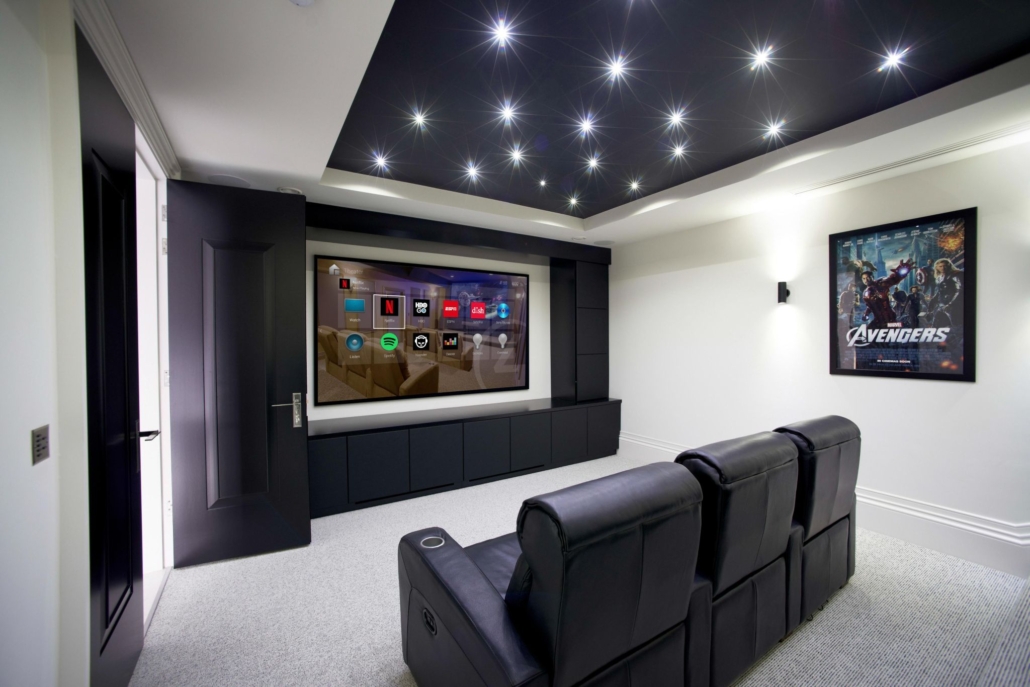
Creating a fabulous Media Room
In the last newsletter, we discussed how to choose the location and size of your Home Theater/Media Room video display. Now let’s make the image on the screen come alive. How? Sound. Specifically, surround sound. While the screen sends visual images, the soundtrack tugs on your emotions and makes the experience feel real. Whether your sound system is just a soundbar that fits under your screen, or a full 9.2 (9 main speakers + 2 subwoofers) surround sound setup, you’ll marvel at the difference upgraded sound delivers.
Beyond a soundbar, the next upgrade is rear speakers and a subwoofer. The rear speakers can be small shelf speakers or built-in ceiling models that add the ‘surround’ effect. The woofer enhances the bass information. And make no mistake about it, there is a TON of bass information in ALL programs, even commercials.
With a soundbar, correct rear speakers and a powered subwoofer, you have a complete system ready to hook into your streaming host (Apple TV, Roku…). If you use traditional cable or DVDs, add an AV receiver. Want to go a step further? Read my Smart Tech column below.
Call us at 301-424-5573 for a complimentary Media Room consultation today.



Leave a Reply
Want to join the discussion?Feel free to contribute!